AR Workshop: I-Zap-U-Zap-We-All-Zap
Projects | | Links:
Instructional Design, Project-Based, Emerging Technologies, UDL
My Role Workshop Instructor
Target Audience Conference participants, including both new and experienced educators as well as graduate students seeking to foster their teaching development. Participants with no previous knowledge or skills in developing an AR app could attend the workshop.
Tool Used Zappar App, zap.works, Google Drive, Google Docs, Canva
What I Did This two-hour workshop presented at AECT 2019 introduced the participants to a platform for creating an Augmented Reality (AR) app. I and other workshop instructors identified the goal that helped participants gain confidence in integrating AR into their professional portfolios. Participants created their own materials such as resumes or instructional artifacts with the Zappar app.
Sample images from the workshop presentation
Workshop Instructors slide
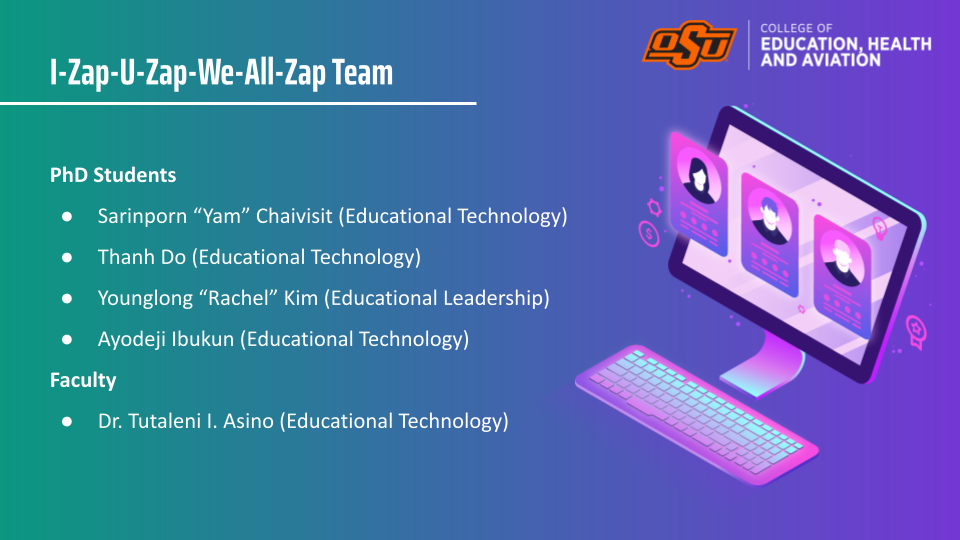
Content Organization slide
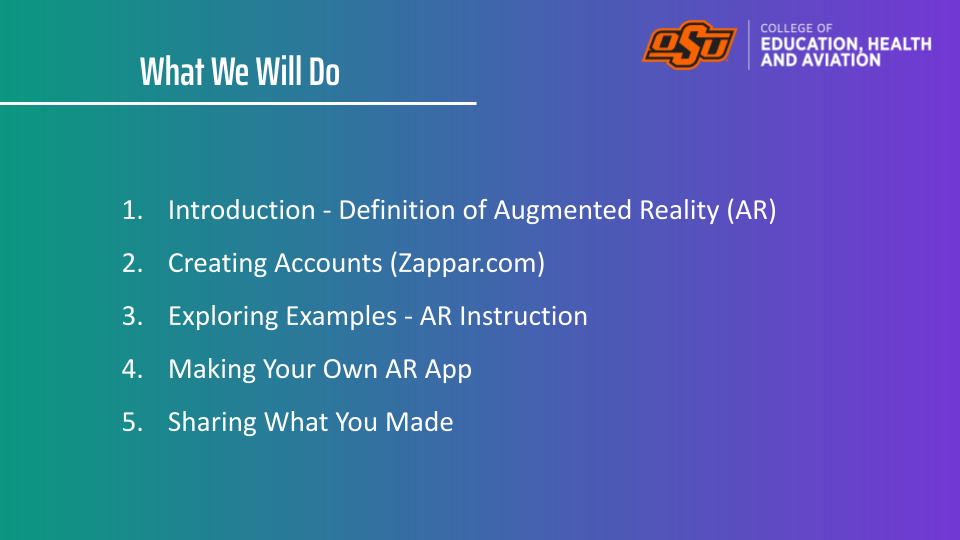
Examples slide
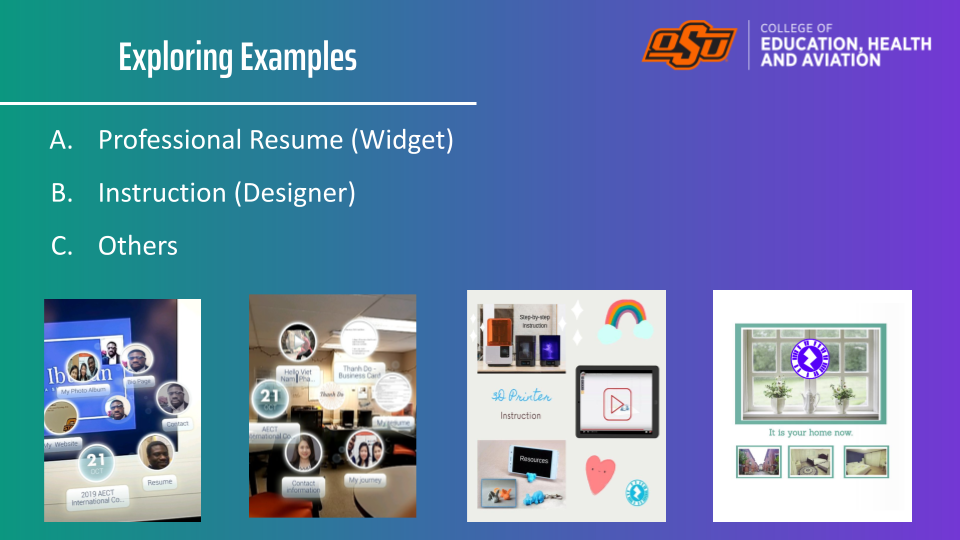
My AR Resume
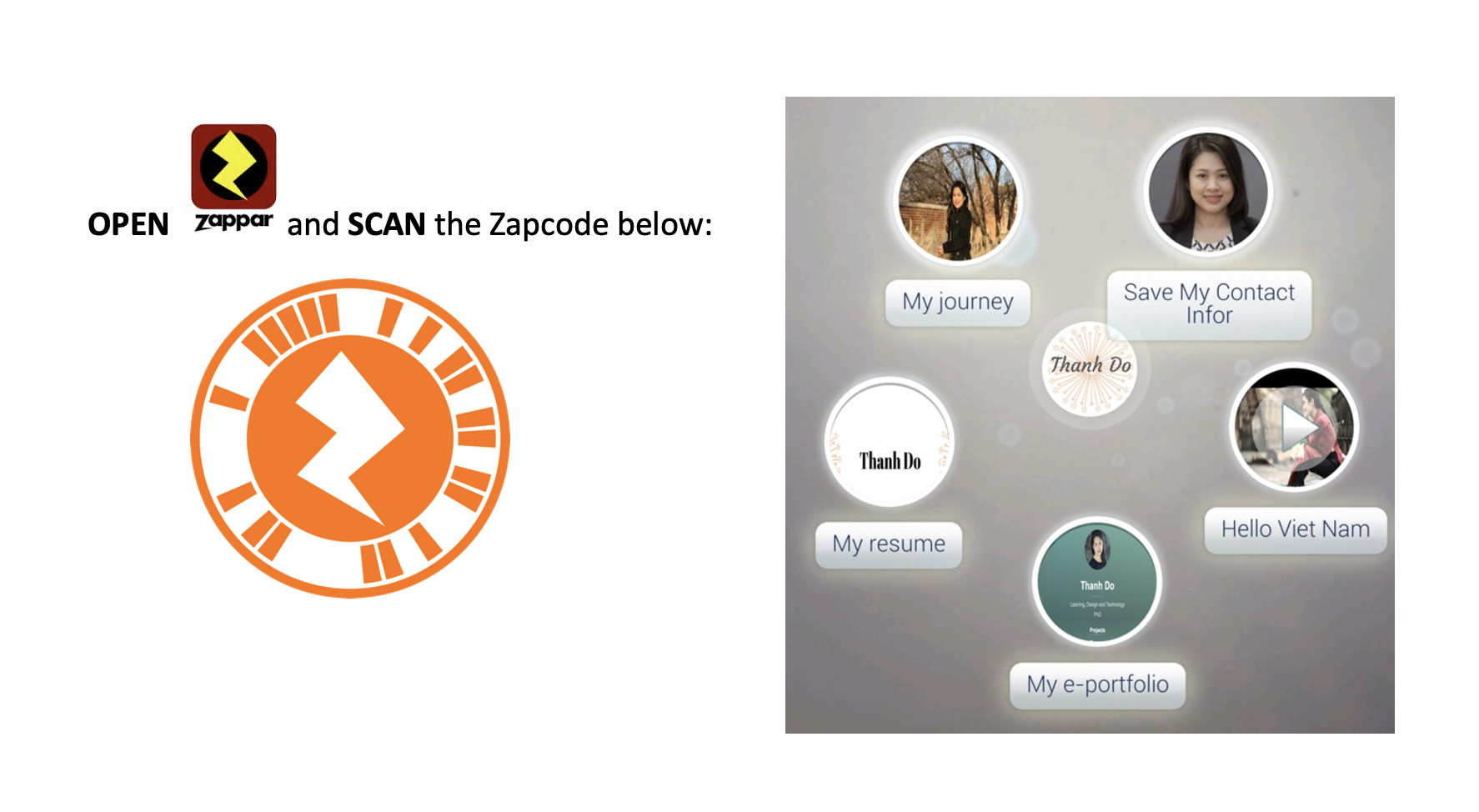
Please download the Zappar app on your phone. You can scan the QR code or you can also go to the app store and download it.

Then open the Zappar app on your phone to scan my Zapcode to explore more information about me.
Reflections and Future Improvements This workshop reinforced how essential it is to anchor emerging technologies in clear pedagogical purposes rather than novelty. I learned that participants needed more time than expected for downloading tools, troubleshooting devices, and imagining meaningful applications, especially if AR was completely new to them. In the future, I would send pre-work that includes basic technical setup and a short introductory video so more time can be spent on design and discussion during the session itself. I would also like to build a follow-up component, such as a small community of practice or asynchronous space where participants can share their AR artifacts, reflect on student reactions, and receive feedback as they iterate on their designs.